
CleverlyPH Android App
Your on-the-go mobile app for your daily practice tests. An all-in-one tool for your exam preparations.
Introducing the CleverlyPh Android App, the essential companion for all CleverlyPh users. This webview app is designed to provide a seamless and integrated experience, allowing you to access all the resources of cleverlyph.com directly from your Android device.
A webview app is a type of mobile application that uses a special component, known as a WebView, to display web content within a native app shell. Essentially, it’s like a built-in, simplified web browser without the usual address bar or navigation buttons. The app’s user interface and core functionality are primarily driven by a website.
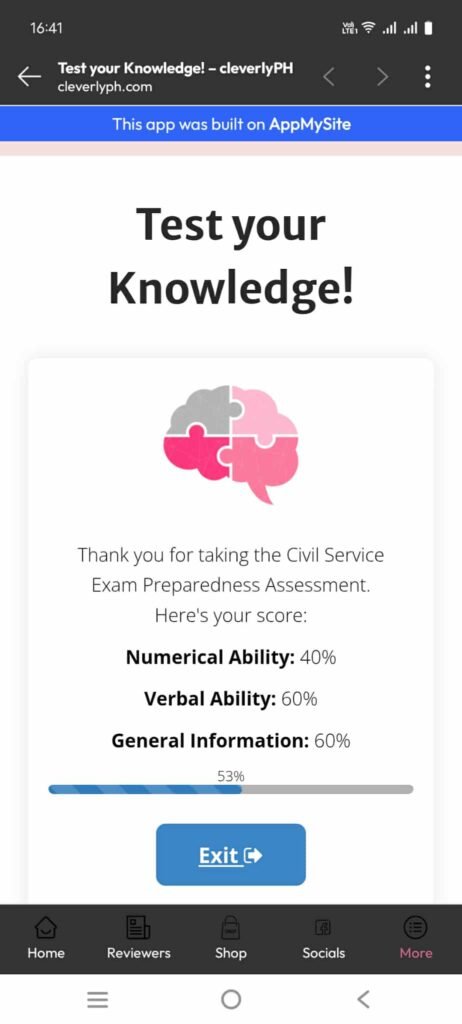
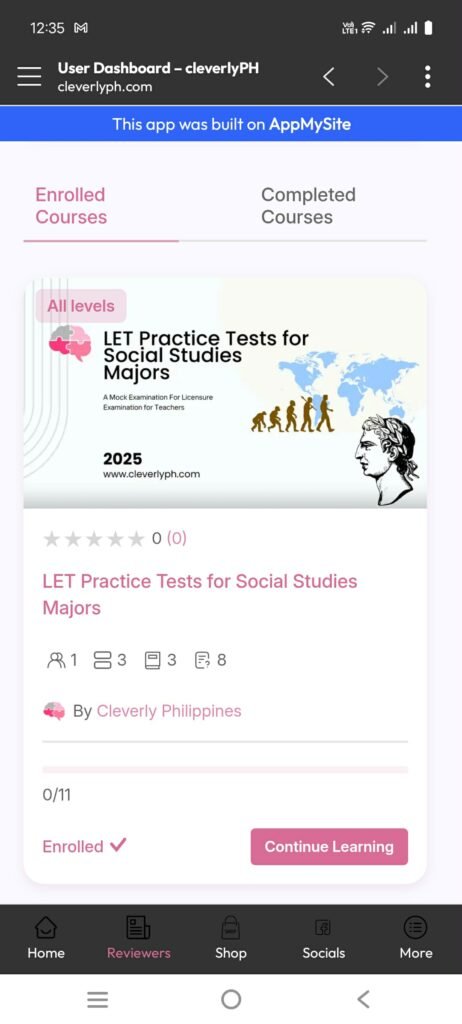
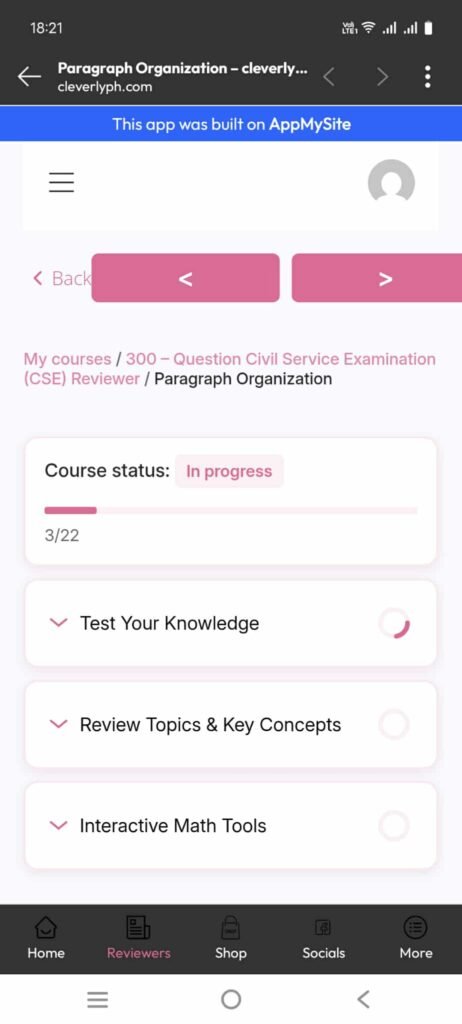
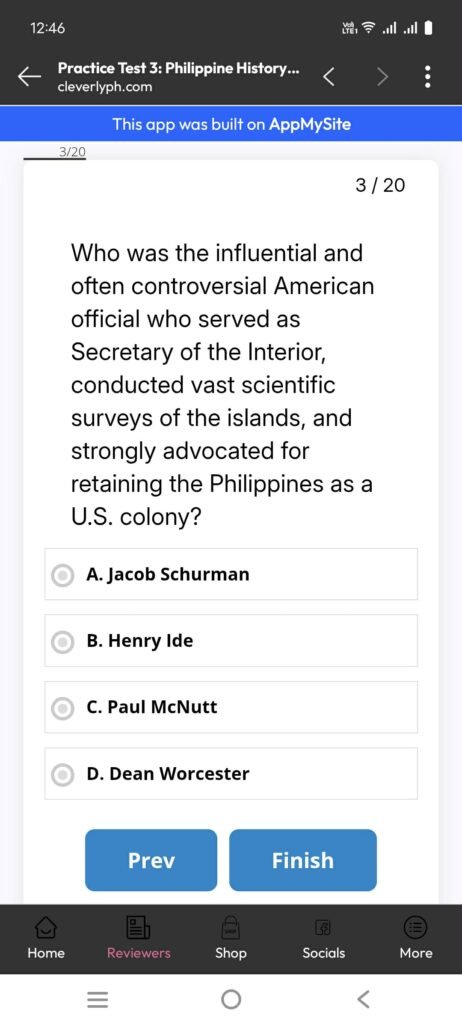
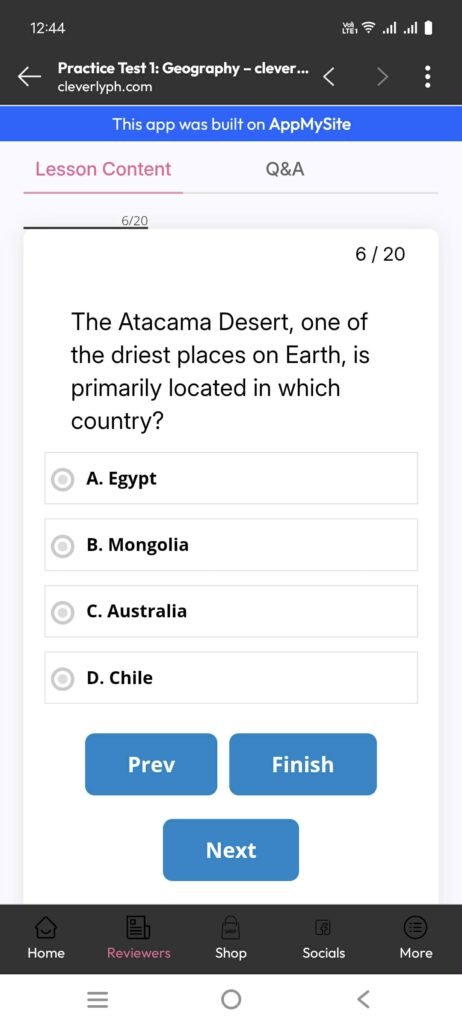
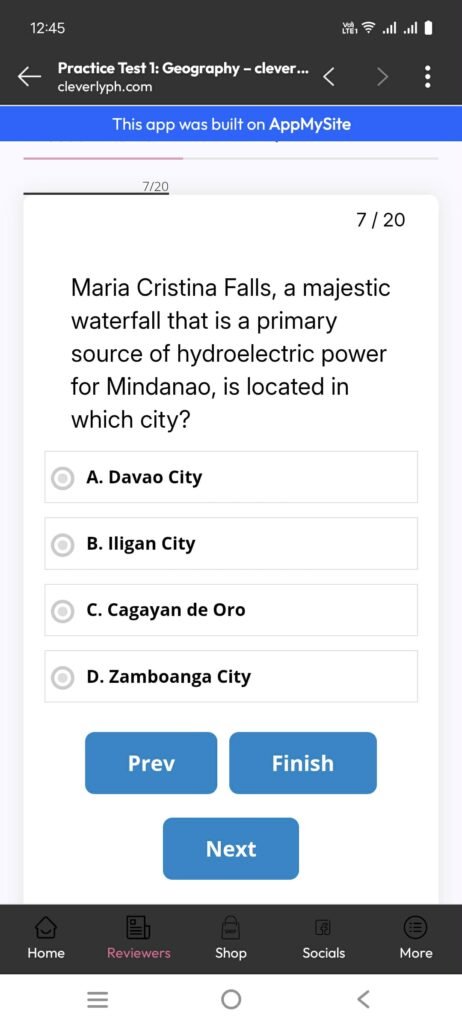
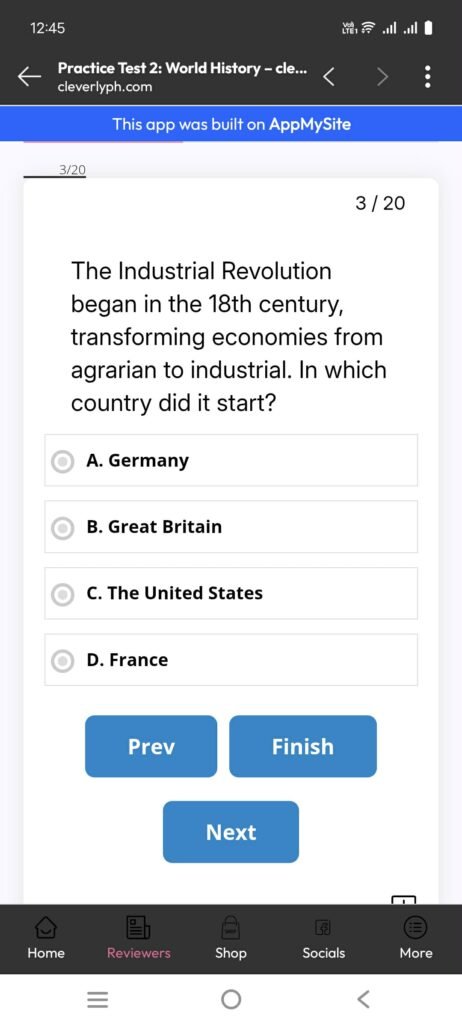
While we await approval on the Google Play Store, you can already download and install the app from our website. This is particularly recommended for those with an existing paid subscription, as it allows you to maximize your access to all available features and resources in a convenient, app-based format.
Here are the general steps to download and install the CleverlyPh Android app from our website:
1. Change your Android settings: By default, your phone is set to only install apps from the Google Play Store. You will need to change this setting to allow installations from “unknown sources.” The specific name for this setting may vary depending on your phone model and Android version, but it is typically found in your device’s Security or Privacy settings. You may also be prompted to do this automatically when you try to open the downloaded file.
2. Download the APK file: On your phone’s web browser, go to the CleverlyPh website and find the download link for the Android app. The file will be in APK format. Click on the image below to download the .apk file.
3. Locate and install the file: Once the download is complete, you can usually find the file in your “Downloads” folder using a file manager app. Tap on the APK file to begin the installation process.
4. Confirm permissions: Your phone will ask you to confirm that you want to install the app and may show you a list of permissions it requires. Review and accept these to continue with the installation.
Elevate your learning experience. Download CleverlyPh app and unlock a world of resources and make the most of your paid subscription today. This is your chance to get ahead, streamline your study sessions, and access everything you need, all from the convenience of your Android phone.
For further questions and comments, you may reach us at hello@cleverlyph.com.

Download the latest version:
- CleverlyPH v.2.7.12
- Release date: October 2, 2025 (85.4MB)
- This version includes updates on social login and more improve user experience.
- CleverlyPH v.2.7.11
- Release date: September 22, 2025 (83.7MB)
- This version improves the user experience and integrating mobile authentication.
- CleverlyPH v.2.7.10
- Release date: September 19, 2025 (83.7MB)
- This version includes updates on push notifications and updated navigations.
- CleverlyPH v.2.7.8
- Release date: September 7, 2025 (87.5MB)
- This is the first version of the Cleverly Philippines mobile app for android.